Macros Made Easy
A downloadable book on how to write macros for Excel.
A downloadable book of macro examples — an add-in product for Microsoft Excel.
Macro Examples is a downloadable book that contains more than twelve hundred macro examples for Microsoft Excel. It is compatible with Microsoft Excel 2013-2024 and Office 365. Find the solutions to the problems that have stumped many users. The Macro Examples book is opened directly from the new Microsoft Excel Time Savers ribbon tab.

When you purchase, you get the book in both Windows help file format and in PDF format! Help file format gives you great search capability. PDF format is great for printing. Both are easy to read.
You can access the examples directly from within Excel whenever you need them. You can copy examples directly from the help file and paste them into Excel.
Key things you can do:
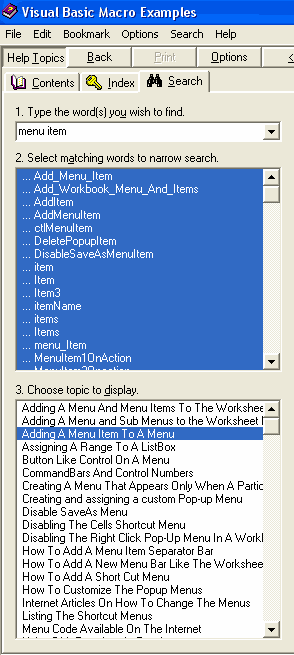
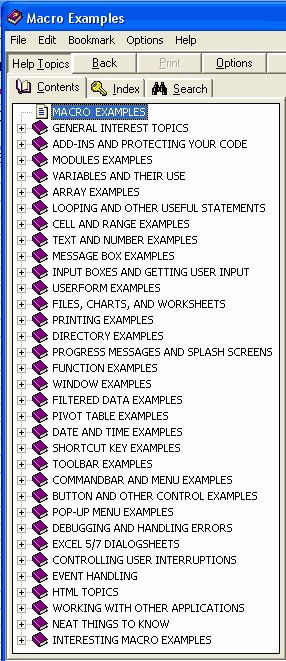
For more information on the topics view the topics by chapter detail.
If you purchase the Macro Book Collection for Microsoft Excel or just the Macros Examples book and we update the books with new examples (typically done several times a year), then you can download the updates for up to a year from your purchase date.
A downloadable book on how to write macros for Excel.
Get both Macros Made Easy and Macro Examples and save $10!