Random Number Generator
Random numbers the easy way.
An add-in for Microsoft Excel that creates random samples from your data.
The Random Sampler is a great tool for anyone who must create random samples. It can be used to select a random sample from a list of employees, invoices, accounts, orders, or anything.
It is menu driven and easy to use. You just select your list in the Excel worksheet and tell it how many samples to extract. You can exclude from the samples rows that have already been sampled. Or you can exclude from sampling if there is an entry in a particular column or if the row is colored. This makes it very easy to create a new sample list and not include previously sampled data.
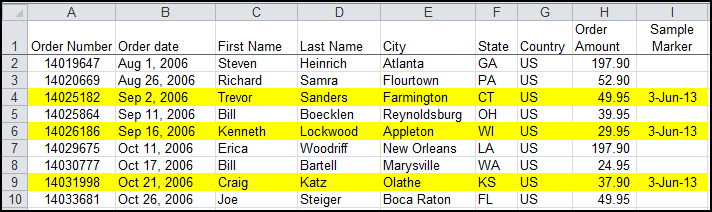
The following illustrates samples of an invoice worksheet, where the sample rows have both been colored and have had a date inserted in column I indicating that the row was sampled and when:
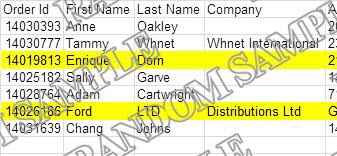
The Random Sampler provides two ways to document that your samples came from using the Random Sampler:
The following are just some of the features of the Random Sampler:
Random numbers the easy way.