Data Cleaner
Clean and standardize spreadsheet data.
An add-in for Microsoft Excel that imports CSV and text files without forced conversion.
The Text File Importer add-in for Microsoft Excel can quickly and easily import text files (CSV, TXT, PRN, ASCII…) containing over one million rows of data into Microsoft Excel. And the Excel Import Wizard does not pop up when the file is imported! It is compatible with Microsoft Excel 2013–2024 and Office 365.
“One of our customers discovered that when he manually opened CSV files, the credit card numbers (12 digit numbers) had the last digit changed from its actual number to a zero by Excel! With the Text File Importer, he was able to open the CSV file without it being automatically converted to columns. He could then specify that the credit card number was a text entry, and the zero was not dropped.”
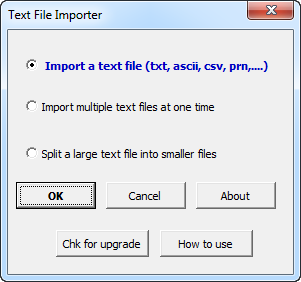
The Text File Importer is entirely menu driven. The following is the main dialog:
Clean and standardize spreadsheet data.
Split and combine address data in Excel.